

A simple ticketing system turns scattered support emails into tracked tickets with a status, an owner, and a history — the opposite of a shared inbox where anyone might reply twice or nobody replies at all. The real distinction isn't "simple" versus "powerful," it's whether the tool tracks who owns each ticket and how fast they answered it. A two-person store might get by on a free plan. Five stores sharing one small team usually won't.
TL;DR:
- A ticketing system differs from a shared inbox by tracking ownership, status, and response time per ticket — not just storing messages.
- Zoho Desk's free plan covers three agents and one email channel; SLAs and most reporting sit behind paid tiers.
- Popular tools split into three camps: per-agent SaaS (Zendesk, Freshdesk, Help Scout), self-hosted open source (osTicket, Request Tracker), and one-time-license self-hosted (ReplaTicket).
- Per-agent pricing punishes seasonal hiring — a tool billed monthly per seat charges full price for staff who only work eight weeks a year.
- Building your own system from scratch means handling email parsing, ticket IDs, and status tracking yourself; most small teams are better off buying something built for it.
Table of Contents
- What a Ticketing System Does That a Shared Inbox Doesn't
- Popular Ticketing Tools and Where Each One Breaks Down for a Small Team
- Is Zoho Desk Really Free? What the Free Plan Covers
- Free vs. Paid: When "Simple" Stops Being Enough
- Building Your Own: What It Actually Takes to Create a Ticketing System
- The Multi-Store Problem Most "Simple" Tools Ignore
- SLA Targets and Reports: What Separates a Toy From a Tool
- Get a Simple Ticketing System You Own Outright for $299
- Frequently Asked Questions
- Sources
What a Ticketing System Does That a Shared Inbox Doesn't

A shared inbox is a mailbox with more than one set of eyes on it. A ticketing system is a mailbox that also tracks who's handling each message, what stage it's in, and how long it's been sitting there. That difference sounds small until two people answer the same customer, or a question from last Tuesday is still unassigned on Friday. A shared inbox works fine until a team crosses roughly three to five people, at which point ownership gets blurry and nobody can say with confidence how many tickets are actually open.
A help desk ticketing system fixes that by assigning every incoming message a unique ticket ID, a status (open, pending, resolved), and usually an owner. Some tools add automatic routing rules, canned replies, and satisfaction surveys. None of that is required to call something a ticketing system — the minimum bar is just tracking status and ownership per conversation, reliably, without someone having to remember it manually.
Popular Ticketing Tools and Where Each One Breaks Down for a Small Team

Every list of ticketing software looks similar because the market really does split into three lanes: hosted subscription tools, self-hosted open-source projects, and self-hosted one-time-license software. The trade-off in each lane is predictable once you see it laid out.
| Tool | Hosting | Pricing model | Best fit | The catch |
|---|---|---|---|---|
| Zendesk | Hosted (SaaS) | Per agent, monthly | Teams needing deep integrations | Cost scales with every seat added — see what that costs per year |
| Freshdesk | Hosted (SaaS) | Free tier, then per agent | Fast setup, single brand | Free tier caps agents and features |
| Zoho Desk | Hosted (SaaS) | Free up to 3 agents, then per agent | Very small, single-store teams | Multi-brand and SLA tools sit behind paid tiers |
| Help Scout | Hosted (SaaS) | Per user, monthly | Email-style support feel | Still per-seat, still scales with headcount |
| osTicket | Self-hosted, open source | Free software, you provide the server | Teams with in-house server admin | No official support line; you maintain it |
| Request Tracker | Self-hosted, open source | Free software, paid support optional | IT and ops teams needing deep customization | Built on Perl; real learning curve to configure |
| ReplaTicket | Self-hosted | $299 one-time license | Multi-store e-commerce teams | No free tier — you need your own server |
Request Tracker, maintained by Best Practical Solutions, has been running in IT shops for over two decades and is genuinely powerful — it's also built for people comfortable editing configuration files, not store owners who want ticket routing set up by lunch. osTicket is the more approachable open-source option, with a web-based admin panel, but like Request Tracker it leaves hosting, backups, and security patching entirely to you.
Is Zoho Desk Really Free? What the Free Plan Covers

Yes, with real limits. Zoho's own pricing page confirms the Free plan supports up to three agents and one email channel. That's enough for a single small store with one or two people answering email. It is not enough once you add a second brand, want SLA tracking, or need more than the most basic reporting — those features start on the paid tiers, billed per agent, per month.
3 agents, 1 email channel. That's the entire scope of Zoho Desk's free plan before SLAs and most reporting require a paid upgrade.
That's not a knock on Zoho — it's a reasonable line to draw for a free product. It's just worth knowing exactly where the line sits before you build a workflow around a plan you'll outgrow in a season.
Free vs. Paid: When "Simple" Stops Being Enough
Free and cheap ticketing tools are genuinely fine for a single store with light volume. The trouble starts when volume grows or a second brand gets added, because almost every hosted tool prices by agent count, and agent count is exactly what grows when a business grows. A team of three agents on a plan priced at even a modest per-agent monthly rate is paying that rate three times over, every month, for as long as the account exists.
Pro Tip: Before comparing price-per-agent across tools, count your seasonal staff separately from your core team. A tool billed monthly per seat charges full price for the two extra people you add every November and remove in January — you're paying twelve months of seat fees for roughly two months of seasonal work.
That math is why a flat, one-time cost looks different once you run the numbers past year one. A $299 license and a $19-per-agent monthly plan cross paths faster than most people expect — three agents on that plan passes $299 in under five months, and keeps billing every month after that.
Building Your Own: What It Actually Takes to Create a Ticketing System
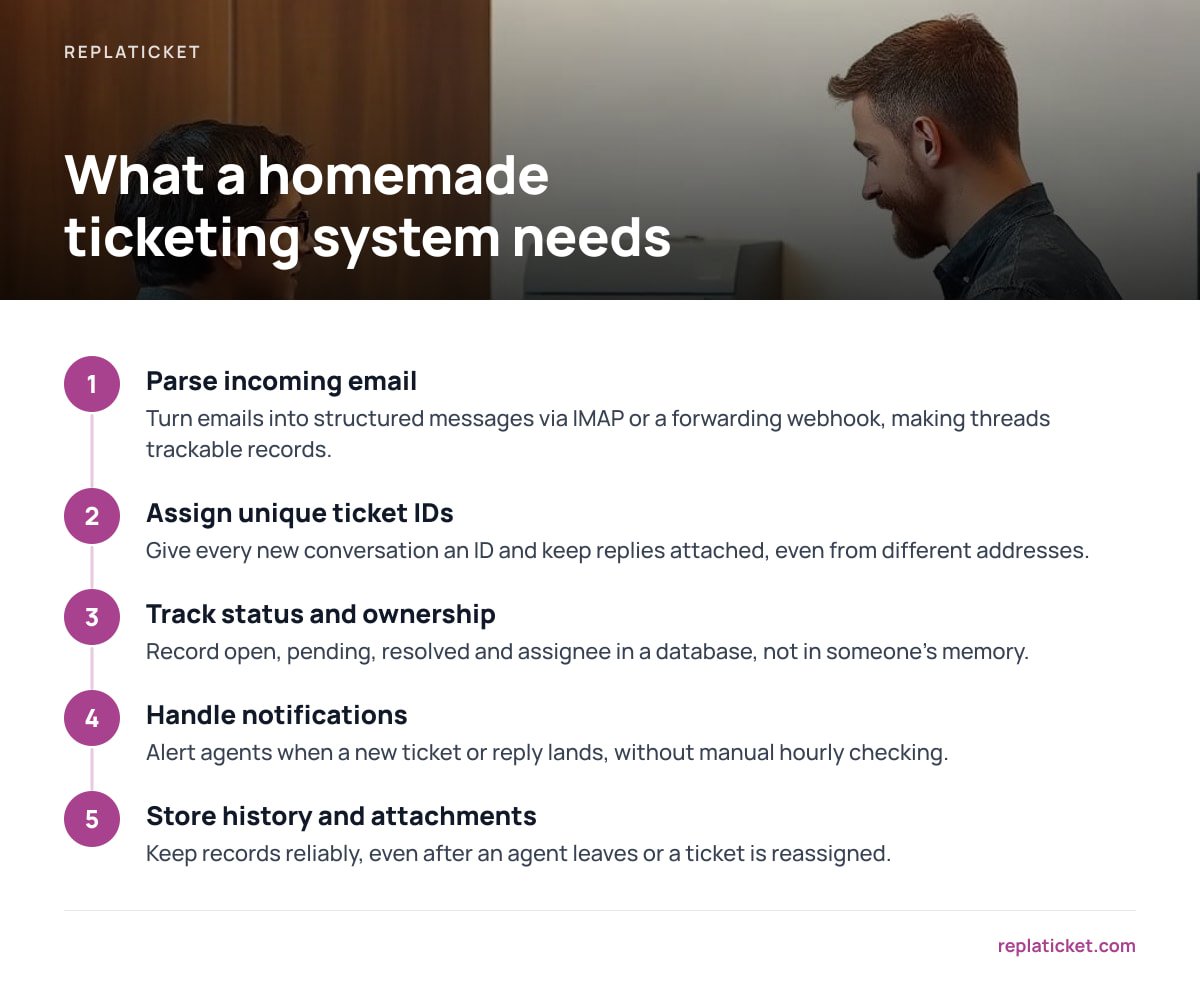
Some teams consider writing their own instead of buying anything. It's possible, but it's more work than it looks like at the start. At minimum, a homemade ticketing system needs to:
- Parse incoming email into structured messages, usually via IMAP or a forwarding webhook, so a reply thread becomes a trackable record instead of just another email.
- Assign a unique ticket ID to every new conversation and keep replies attached to the right one, even when a customer replies from a different address.
- Track status and ownership — open, pending, resolved, assigned to whom — and persist that in a database, not in someone's memory.
- Handle notifications so an agent knows a new ticket or reply has landed without checking manually every hour.
- Store history and attachments reliably, including after an agent leaves or a ticket is reassigned.
That's a real build, not a weekend script, which is why most teams land on buying something instead of writing it — the cost of a license is usually far less than the engineering hours it takes to get email parsing and ticket threading right.
The Multi-Store Problem Most "Simple" Tools Ignore
Most ticketing tools, free or paid, are built around one brand with one support address. That works until a team runs more than one store — at which point replies need to go out under the right store name and address, not a generic one, and agents need access limited to the stores they actually support. Running multiple Shopify stores without that kind of separation usually means either giving every agent access to everything, or running separate tool accounts per brand and losing any shared view of total ticket volume. If you're comparing tools specifically for this setup, what to actually compare in a support inbox matters more than any single feature checklist.
SLA Targets and Reports: What Separates a Toy From a Tool
A ticket list with statuses is a start. What turns it into something a manager can actually run a team on is an SLA target — a defined first-reply and resolution time — paired with a report showing whether the team is hitting it. Measuring first response time correctly matters more than most teams expect, because "we usually reply fast" and "we reply within four business hours, 94% of the time" are very different claims, and only one of them is something you can act on.
Without that kind of tracking, a small team can be drowning in overdue tickets and not know it until a customer complains publicly. With it, a manager can see — per store, per agent — exactly where replies are slipping before it becomes a pattern.
Get a Simple Ticketing System You Own Outright for $299
ReplaTicket is self-hosted help desk software you buy once for $299 and run on your own server, with the full source code included. It pulls tickets from every store into one inbox, replies go out under each store's own address and name, and you set per-person access so an agent only sees the stores they support. SLA targets flag slow replies before they become late ones, and reports break performance down by store and by person, including a satisfaction score.
The honest caveat: this is for teams willing to run their own server, not for someone who wants a zero-maintenance SaaS login. You get 12 months of updates and 30 days of setup support included, and after that you're not locked into a renewal — but you are responsible for hosting. If that trade works for you, it's worth checking the spec sheet against whatever else is on your shortlist, including the tools covered above.
Frequently Asked Questions
What is a help desk ticketing system?
It's software that turns incoming support messages into tracked tickets, each with a status, an owner, and a history. The key difference from a plain inbox is that nothing gets lost or double-answered, because every message is assigned and tracked rather than just read and replied to.
Is Zoho Desk free?
Yes, Zoho offers a free plan covering up to three agents and one email channel, according to Zoho's own pricing page. SLA tracking and most reporting features require a paid tier, so the free plan suits a single small store more than a growing or multi-brand team.
What are some popular ticketing tools?
Zendesk, Freshdesk, Zoho Desk, and Help Scout are common hosted options priced per agent per month. osTicket and Request Tracker are self-hosted open-source alternatives you install on your own server for free. ReplaTicket is a self-hosted option sold as a one-time license rather than a subscription.
How do I create my own ticketing system?
You'd need to build email parsing, unique ticket IDs, status tracking, notifications, and reliable storage for history and attachments — all before adding routing or reporting. It's a real software project, which is why most small teams buy an existing tool rather than build one from scratch.
What's the difference between a shared inbox and a ticketing system?
A shared inbox is a mailbox several people can access; a ticketing system adds status and ownership tracking on top of that mailbox. Teams usually feel the gap once they pass three to five people and can no longer tell at a glance who's handling what.
Is there a free ticketing system for small business?
Yes — Zoho Desk's free plan and open-source tools like osTicket cost nothing upfront. The trade-off is either limited features at low volume (Zoho) or the responsibility of hosting and maintaining the software yourself (osTicket, Request Tracker).
Leave a Reply